Digital advertising
Google Ads Landing Page: How It Should Be Built to Turn Clicks into Customers
How to build a Google Ads landing page that converts: structure, message, speed, forms, tracking and price.

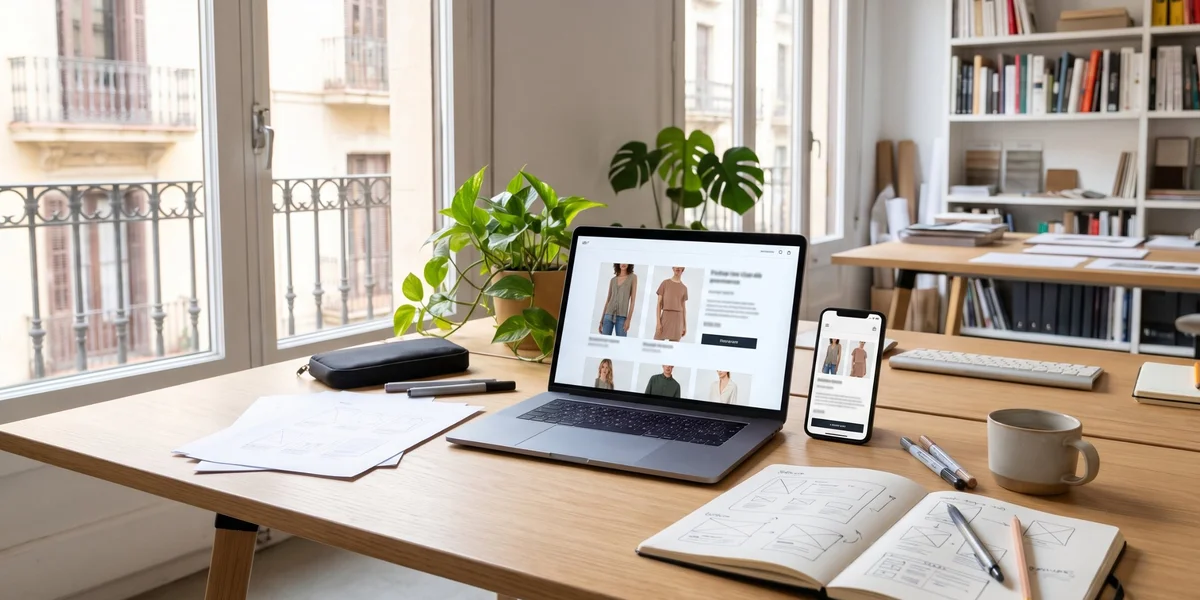
Online store design means planning, building and launching an ecommerce site that shows products well, builds trust and makes buying easy on mobile, with payments, shipping and legal requirements sorted. A good web design and online store service in Barcelona combines design, SEO and tracking from the start, because a well structured store sells more and is also better understood by Google and AI assistants.
Designing an online store is not just about choosing a nice template. It means building a complete sales system that works on its own 24 hours a day and that the owner can manage without depending on someone else for every change.
A professional project usually includes:
When any of these pieces is missing, the store may look good but not sell, or sell and cause problems every week. That is why it is always worth asking for a quote that details what is included and what is not.
At JRC Web we hand over the store fully configured and tested with real test orders, so the first customer can buy without surprises.
Before opening any design software, three things need to be clear, because they shape everything else.
The catalogue. Selling 20 products is not the same as selling 5,000. Nor is a simple product the same as one with sizes, colours, dimensions or customisation. The number of items and their variants determines the platform, the category structure and how products are loaded, manually or by import.
The audience. Who buys, from which device and what doubts they have before paying. A business customer who places repeat orders needs something very different from an individual buying a gift once a year.
The sales model. Selling only in Spain or abroad too, to consumers or to businesses with special prices, with your own stock or through dropshipping, with in store pickup or home delivery only.
With these answers, the store can be designed around the business. Without them, the business ends up being adapted to the store, and that usually becomes expensive when it has to be rebuilt a year later.
Choosing the platform is one of the most important decisions in the project. The three most common options in Spain are:
For most small businesses and local shops, WooCommerce offers the best balance between cost, control and SEO potential, especially if they already have a WordPress website. Shopify suits brands that want to start selling quickly without dealing with the technical side. The key is to decide with the next three years in mind, not just the launch.
An online store sells more when customers find what they are looking for in a few clicks. The structure is designed before the look and feel.
This same structure is the foundation of SEO. Each well planned category can rank for specific searches, such as women’s running shoes, and attract visitors who already intend to buy. A poor structure, on the other hand, forces you to spend much more on advertising to achieve the same sales.
Before designing, it is worth sketching the store map on paper and reviewing it with someone who does not know the business.
The product page is where the purchase is decided. In a physical shop customers touch, try and ask. In an online store, the product page has to do all of that on its own.
What should not be missing:
Original descriptions make a big difference. As well as persuading customers, they avoid the duplicate content found in hundreds of stores using the same manufacturer text, which Google does not reward.
A good tip is to answer on the product page itself the questions that most often arrive by phone or email before a purchase. That reduces doubts and also saves time for the team.
Many carts are abandoned at the last step. The most common reasons are unexpected shipping costs, forced registration, long forms or not finding the preferred payment method.
To reduce abandonment:
Every checkout improvement shows directly in revenue, because it affects people who have already decided to buy. It is one of the areas where investing design and testing time pays off most.
It is also worth testing the full purchase process on several mobile phones before launch and repeating it every time something changes in the store. Small errors in the checkout can go unnoticed for weeks and cost many sales.
An online store must make its shipping and returns conditions clear and also comply with Spanish and European ecommerce regulations.
On logistics:
On legal obligations, as a minimum:
These texts must be adapted to each business. Copying another store’s texts is a legal risk and also a poor trust signal for customers.
Reviewing them regularly is just as important, because regulations change and so do the conditions of the business. A store that sells abroad also has to check the rules of each destination country.
An online store without visitors does not sell, and relying only on advertising makes every sale expensive. That is why SEO should be planned before launch, not once the store is already live.
The key points are:
If you want to go deeper into this area, we explain in detail how to approach SEO for online stores, from categories to blog content. Getting it right at the design stage saves rebuilding the store later.
A store built on a solid SEO foundation starts receiving organic visits sooner and depends less on paying for every click. In addition, every well optimised category keeps attracting customers for years at no extra cost.
The price of an online store depends mainly on the number of products, the features and the level of design. As a guide, in the Spanish market:
On top of this come recurring costs: hosting, domain, maintenance, any platform licences or fees and payment gateway commissions.
More than the initial price, what matters is the cost of not doing it properly. A cheap store that does not convert or has to be rebuilt within a year ends up costing much more than one planned well from the start.
That is why we always recommend asking for several detailed quotes and comparing what each one includes, not just the final figure. A cheap quote often leaves out the catalogue upload, legal texts or SEO.
We help you define the platform, structure and budget for your ecommerce site, with SEO and tracking included from day one.
These are the mistakes we see most often in online stores that never quite take off:
Almost all of these mistakes can be avoided at the planning stage. Fixing them later costs more money and, above all, lost sales in the meantime.
An external review before launch helps to detect them in time. It is far cheaper than discovering them through lost orders.
The way people search for products is changing. Google shows AI generated summaries, the AI Overviews, which compare options and recommend stores or products. ChatGPT and other assistants already display products with photos and prices, and in some markets let people buy without leaving the chat.
To help an online store appear in these answers:
A well designed and well described store does not only sell more to those who visit it. It also makes it easier for artificial intelligence to understand it, cite it and recommend it when someone asks what to buy or where to buy it.
It is an advantage that few small stores are taking advantage of yet. Those that start now will be better placed when AI shopping becomes more widespread.
A simple store with a few products can be ready in three or four weeks. A professional project, with custom design, catalogue upload, legal texts and initial SEO, usually takes between six and ten weeks, depending on how quickly photos, copy and product data are gathered.
Yes. Platforms such as WooCommerce or Shopify let you upload products, change prices, manage stock and process orders from a simple dashboard. It is advisable to receive training when the store is handed over so you can do it confidently and without fear of breaking anything.
It needs platform and plugin updates, regular backups, security checks, speed monitoring and checks that payments and emails are working. In a store with daily sales, a few hours of downtime can cost far more than a whole year of maintenance.
They are not mutually exclusive. Amazon and other marketplaces give immediate visibility, but they charge commissions, set the rules and the customer belongs to them. Your own store gives you control over the brand, prices and customer data. Many small businesses combine both and use their own store as the main channel in the medium term.
With complete product pages described in your own words, structured data, customer reviews and useful content that answers buying questions. AI Overviews are based on organic results, so a well ranked and well explained store has a much better chance of being cited.
A profitable online store starts long before the visual design: choosing the right platform, organising the catalogue, thinking about the customer who buys on mobile and sorting out payments, shipping and legal obligations. On that foundation, design and SEO make the store attract visitors and turn them into orders.
If you are thinking about selling online or renewing a store that is not delivering the results you expected, at JRC Web we design online stores for shops and small businesses in Barcelona and across Catalonia, with WooCommerce, SEO and tracking from day one.
How useful did you find this content?
Click a star to rate it!
Average rating!0/ 5. Vote count0
No votes yet! Be the first to rate this post.
How to build a Google Ads landing page that converts: structure, message, speed, forms, tracking and price.
What a monthly SEO service includes, which deliverables you should receive every month, what it costs and the signs that it is not working.
What SEO for lawyers includes, what it costs, how long it takes and how to win clients from Google Maps, your firm’s website and AI.