Digital advertising
How much Google Ads costs: spend, management fees and a realistic budget
How much Google Ads costs: what you pay Google, what an agency charges to manage it and what budget you need for it to pay off.

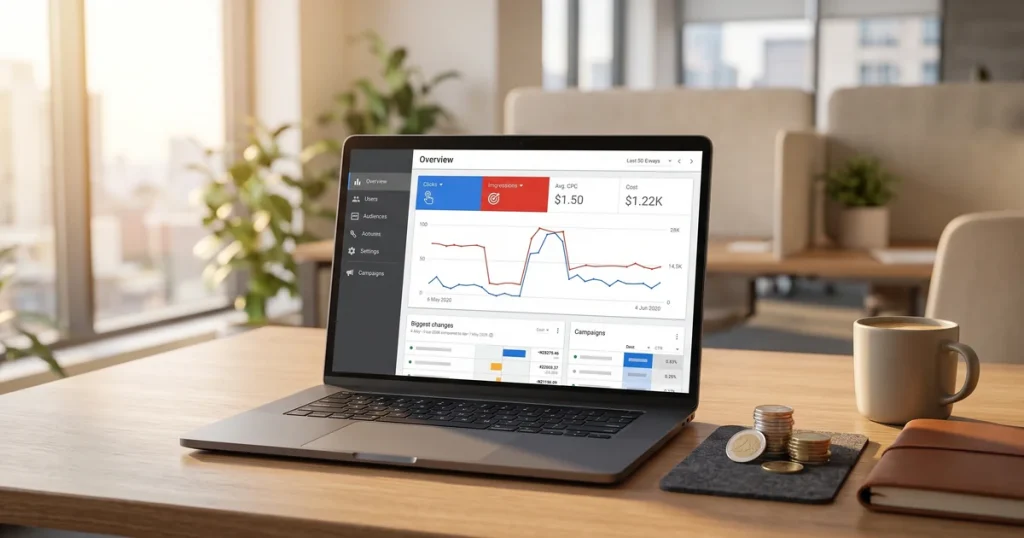
Want your business at the top of Google from day one? Google Ads is Google’s advertising platform, which lets you show ads to people actively searching for what you offer. Unlike SEO, the results are immediate. At our Google Ads agency in Barcelona we run advertising campaigns that deliver from the first day.
In this guide we explain what Google Ads is, how it works, the different campaign types you can create, what it costs and how to get started. Everything you need to decide whether Google Ads is right for your business.
Google Ads (formerly Google AdWords) is Google’s online advertising platform. It lets businesses and professionals create ads shown in Google’s search results, on YouTube, across millions of partner websites and in mobile apps.
It is the main SEM (Search Engine Marketing) tool and works mainly on a pay-per-click (PPC) model: you only pay when someone clicks your ad.
Google Ads runs on a real-time auction system. When someone searches, Google decides which ads to show and in what order based on several factors:
Advertisers set how much they are willing to pay for a click (their maximum bid). But the highest bidder does not always win. Google also weighs the quality of the ad.
Google rates every ad from 1 to 10 based on:
Your final position is calculated by multiplying your bid by your Quality Score. That means a high-quality ad can beat one with a higher bid but worse quality, and pay less per click too.
Ad Rank = maximum bid × Quality Score
Google Ads offers several campaign types depending on your goals and where you want to appear:
Text ads shown in Google’s results when someone searches your keywords. These are the most effective for capturing people with high purchase intent. Ideal for professional services, specific products and lead generation.
Visual ads (banners, images) shown across Google’s partner network. They work well for branding, remarketing and reaching broad audiences. Lower purchase intent but greater reach.
Product listings with an image, price and shop name. They appear in product searches and in Google’s Shopping tab. Essential for e-commerce.
Video ads on YouTube and partner sites. Formats: in-stream (before the video), bumper (6 seconds) and discovery (in YouTube search results).
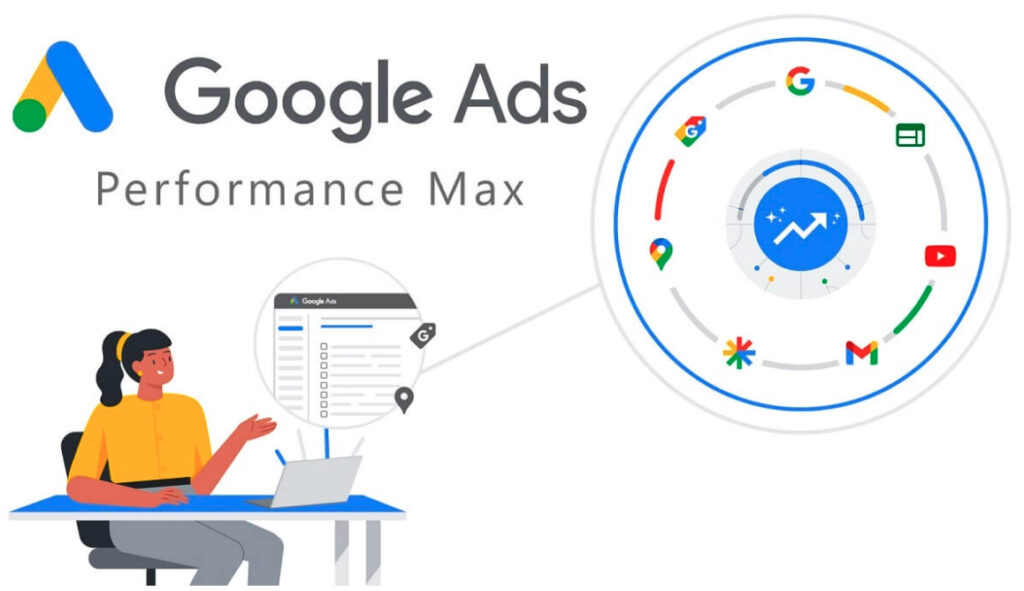
The newest campaign type. It uses artificial intelligence to show ads across every Google channel automatically, optimising towards your conversion goals.
The cost of Google Ads varies enormously with your sector, the competition and your goals. There is no fixed price.
CPC varies with how competitive each keyword is:
There is no compulsory minimum, but to gather meaningful data and optimise, starting with at least €300-500/month is recommended in low-competition sectors.
Google Ads offers many ways to target your ads so they reach the right people:
The most important in search campaigns. You choose the keywords you want to appear for. Match types:
Age, gender, parental status, household income (in some countries).
Country, region, city, postcode or a radius around a location. Fundamental for local businesses.
Compared with other forms of advertising and with organic SEO, Google Ads has clear advantages:
Google Ads is a powerful tool for generating traffic and sales immediately. Running it properly, though, takes experience, time and knowledge many companies do not have in house.
At JRC Web we offer Google Ads campaign management focused on profitability. We do not just create and optimise campaigns; we make sure every euro invested delivers the maximum possible return.
As a digital marketing agency in Barcelona, we combine Google Ads with SEO so your business has a presence in both paid and organic results.
Want to start with Google Ads or improve your current campaigns? Get in touch and we will review your case with no commitment.
Google Ads is not for every business. It works best in these cases:
Combining SEO and SEM is usually the most effective strategy: SEM for immediate results while SEO builds up.
If you decide to use Google Ads, these are the steps to get started:
Go to ads.google.com with your Google account. The initial setup process guides you through creating your first campaign, but you can skip it and configure everything manually.
Before spending money, make sure you can measure results. Install the Google Ads tag or connect Google Analytics to track conversions (sales, forms, calls).
Use the Google Ads Keyword Planner to find relevant keywords, see search volumes and CPC estimates. Good keyword research is fundamental.
Start with a search campaign focused on your most important keywords. Set a daily budget, locations, language and ad schedule.
Headlines containing the keyword, clear benefits, a call to action. Google lets you create several variants so the system can pick the ones that perform best.
The destination page must be relevant, fast and focused on conversion. Conversion-oriented web design makes a real difference to your campaign ROI.
These mistakes are very common among beginners and can mean spending money with nothing to show for it:
Without conversion tracking you have no idea which keywords, ads or campaigns generate business. You are optimising blind.
Broad match shows your ads for searches far from your intent. Start with phrase or exact match and add negative keywords.
Negative keywords exclude irrelevant searches. Without them, you pay for clicks from people you do not want.
Sending all your traffic to the home page instead of specific pages cuts conversions and Quality Score.
The search terms report shows the actual searches that triggered your ads. Check it regularly to find new keywords or negatives.
Google Ads needs ongoing optimisation. The first days and weeks are a learning period. Do not give up before there is time to optimise.
Google offers several free certifications that demonstrate knowledge of the platform:
Certifications are taken through Google Skillshop (skillshop.google.com) and are free. Each exam lasts around 75 minutes and requires 80% correct answers.
For marketing professionals, yes. For companies running their own campaigns, the knowledge matters more than the certificate itself. The preparation courses are educational even if you never sit the exam.
Click to rate this post!
How useful did you find this content?
Click a star to rate it!
Average rating!0/ 5. Vote count0
No votes yet! Be the first to rate this post.
How much Google Ads costs: what you pay Google, what an agency charges to manage it and what budget you need for it to pay off.
Web design for freelancers in Barcelona: which pages you need, what it costs and how to get a professional, affordable website that wins clients.

What AI search optimisation (GEO) is and how to get ChatGPT, Gemini and Perplexity to recommend your company in Barcelona.