Digital advertising
How much Google Ads costs: spend, management fees and a realistic budget
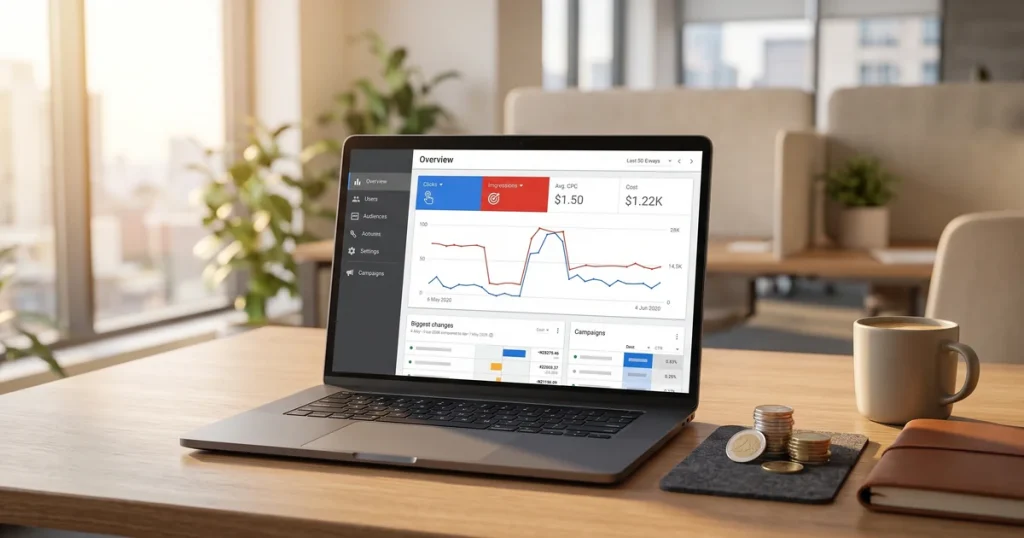
How much Google Ads costs: what you pay Google, what an agency charges to manage it and what budget you need for it to pay off.


Want to improve your website’s rankings but have no budget for paid tools? There are dozens of free SEO tools that let you analyse your site, research keywords, find technical errors and track your progress without spending a penny.
In this guide we go through the best free SEO tools, grouped by task so you can find exactly what you need. From Google’s essentials to lesser-known but very powerful alternatives.
Google offers several completely free tools that are essential to any SEO strategy. Coming from the search engine itself, the data is reliable and straight from the source.
Google Search Console is THE essential tool. It shows you how Google sees your site: which pages are indexed, which searches generate impressions and clicks, crawl errors, mobile usability problems and much more. If you can only use one tool, make it this one.
Analyses your site’s traffic: where visitors come from, which pages they see, how long they stay and what they do. Fundamental for measuring the impact of your SEO and spotting opportunities.
Inside Google Ads (though you do not need to run ads to use it), the Keyword Planner gives you estimated search volumes and related keyword suggestions. Useful for initial research.
Discover how popular search terms are over time and by region. Ideal for spotting seasonal trends, comparing keywords and finding rising topics before your competitors do.
Beyond the main tools, Google offers other free utilities that are very valuable for SEO:
Analyses the loading speed of any URL and gives specific recommendations for improving it. It includes real user Core Web Vitals data. Available at: pagespeed.web.dev
Checks whether your page is optimised for mobile. Google prioritises mobile-first indexing, so making sure your site works well on a phone is crucial.
Checks whether your page can show rich results in Google. It finds errors in your structured data and helps you implement it correctly.
Built into Chrome DevTools (press F12), Lighthouse audits performance, accessibility, best practices and SEO on any page. It gives you scores and detailed recommendations for each area.
Keyword research is fundamental to any SEO strategy. These free tools help you find the right keywords:
Neil Patel’s tool offers a limited number of free searches a day. It shows search volume, SEO difficulty, CPC and related keyword suggestions. It also analyses competitor domains.
Generates the questions and phrases people search around your keyword. Ideal for finding content ideas and understanding search intent. The free version has limited searches.
A free extension that shows search volumes directly in the Google results as you browse. It also suggests related keywords and shows data for the results on screen.
Shows Google’s “People Also Ask” questions in a visual, organised way. Very useful for structuring content and finding subtopics to cover in your articles.
Generates autocomplete suggestions from several search engines at once: Google, YouTube, Amazon, Wikipedia, Bing. Useful for discovering how people search on different platforms.

Finding technical problems is essential so Google can crawl and index your site properly. These tools help you audit it:
One of the most powerful tools for technical audits. The free version crawls up to 500 URLs, which is enough for small and medium sites. It finds broken links, redirect errors, duplicate titles, missing meta descriptions and much more.
Offers an SEO Checker that analyses individual pages and finds on-page problems. It also has a free crawler limited to 1,000 pages plus keyword and backlink analysis tools.
Audits your site and shows technical errors sorted by priority. The free version is limited but enough for occasional analysis.
Ahrefs’ free version for verified site owners. It offers a full technical audit, backlink monitoring and keyword tracking. Very complete for a free tool.
Backlinks are still an important ranking factor. These free tools let you analyse your link profile:
Shows the top 100 backlinks for any domain or URL, alongside metrics such as Domain Rating and the number of referring domains. Useful for quick competitor checks.
10 free queries a month. It shows Domain Authority, Page Authority, inbound links and spam score. Good for judging a domain’s authority.
A completely free tool showing backlinks, anchor text and the industry of the sites linking to you. No search limits.
The free version is very limited, but you can see basic metrics such as Trust Flow and Citation Flow for your own verified domain.
Building a solid backlink profile is a fundamental part of link building. These tools help you track your progress and analyse the competition.
Loading speed affects both SEO and user experience. These tools help you optimise it:
Detailed speed analysis with Core Web Vitals metrics, a resource loading waterfall and specific recommendations. The free version tests from one location (Vancouver by default).
An advanced tool that lets you test from multiple locations and devices. It offers very detailed waterfall analysis and before/after comparisons.
A quick speed test with an overall score and a breakdown by content type. Useful for quick checks and monitoring.
Image compression tools. Heavy images are one of the most common causes of slow sites. TinyPNG compresses PNG and JPG; Squoosh (from Google) offers more control and formats such as WebP.
Good web design takes performance into account from the start, but these tools help you optimise existing sites.
Free tools are an excellent starting point for working on your site’s SEO. For more advanced strategies, though, or when time is critical, paid tools and professional support make the difference.
At JRC Web we use the best tools on the market (Ahrefs, SEMrush, Screaming Frog Pro) combined with our own experience to deliver results free tools alone cannot achieve.
As an SEO agency, we run full SEO audits and build a tailored strategy for every client.
Want to take your SEO to the next level? Get in touch and we will show you what a professional SEO strategy can do for your business.
Analysing what your competitors do helps you find opportunities and improve your strategy:
Estimates any site’s traffic, its main sources, countries of origin and similar sites. The free version shows limited data, but it is useful for an initial look.
An extension showing SEO metrics for any page as you browse: keyword density, internal and external links, domain age and so on. It also lets you compare pages in the search results.
Reveals which technologies any site uses: CMS, plugins, analytics tools, CDN and so on. Useful for understanding a competitor’s technical setup.
Shows any domain’s organic and paid keywords, though with limited data in the free version. Useful for discovering which keywords your competitors target.
If your business has a local presence, these free tools are especially relevant:
Essential for local SEO. Manage how your business appears on Google Maps and in local searches. Add photos, reply to reviews, publish updates and monitor visibility statistics.
Checks how your business appears in the main local directories. It finds NAP (Name, Address, Phone) inconsistencies that can hurt your local rankings.
Offers a free local rank checker and tools for auditing your presence in directories.
Beyond navigation, use Google Maps to research local competitors, see how they rank and what information their listings show.
To create optimised content, these free tools help you improve quality and relevance:
Analyses how readable your text is and suggests improvements. It flags overly long sentences, excessive adverbs and passive voice. Ideal for making your content clearer.
An advanced grammar and spelling checker. The free version catches basic errors; the paid one adds style and tone suggestions.
Finds duplicate content. Paste your text or URL and check whether similar content exists online. Essential for avoiding duplicate content problems.
Simple tools for counting words and characters. Useful for keeping meta descriptions (155-160 characters maximum) and titles (60 characters maximum) in range.
Browser extensions that give you SEO information as you browse, without going to an external tool:
Shows Domain Authority, Page Authority and link metrics on any page. It also works in the SERPs, showing metrics for every result.
Analyses on-page SEO, checks for broken links, previews SERPs and exports “People Also Ask” data. Very complete and completely free.
Shows related keywords and trend data. The free version no longer shows exact volumes, but it is still useful for discovering keywords.
Shows Core Web Vitals in real time as you browse. Useful for quickly checking any page’s performance.
Click to rate this post!
How useful did you find this content?
Click a star to rate it!
Average rating!0/ 5. Vote count0
No votes yet! Be the first to rate this post.
How much Google Ads costs: what you pay Google, what an agency charges to manage it and what budget you need for it to pay off.
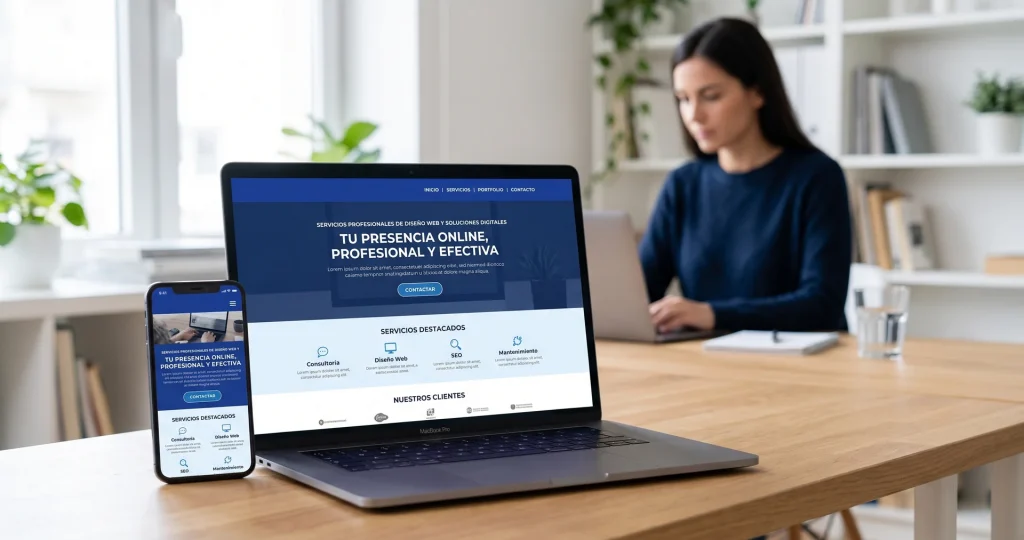
Web design for freelancers in Barcelona: which pages you need, what it costs and how to get a professional, affordable website that wins clients.

What AI search optimisation (GEO) is and how to get ChatGPT, Gemini and Perplexity to recommend your company in Barcelona.