Digital advertising
How much Google Ads costs: spend, management fees and a realistic budget
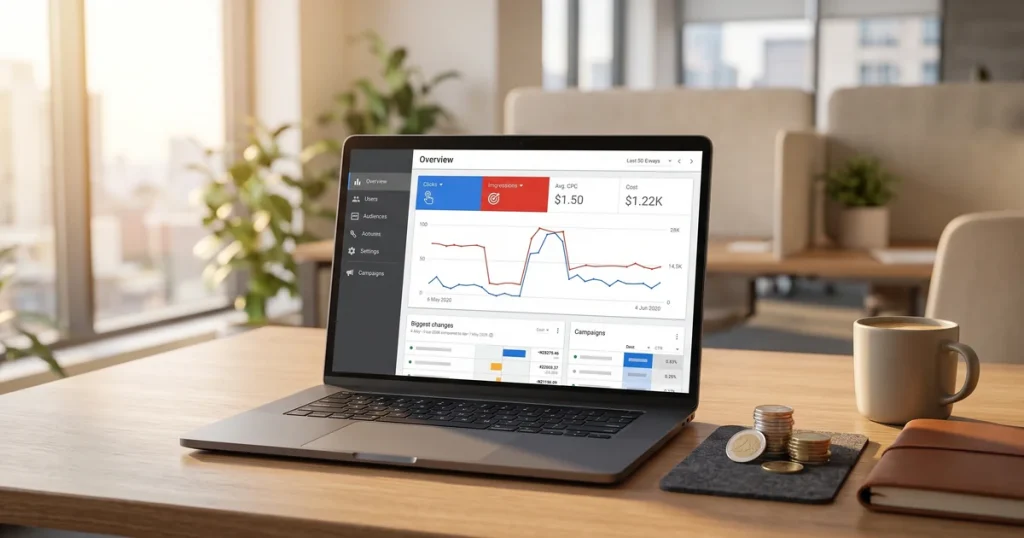
How much Google Ads costs: what you pay Google, what an agency charges to manage it and what budget you need for it to pay off.
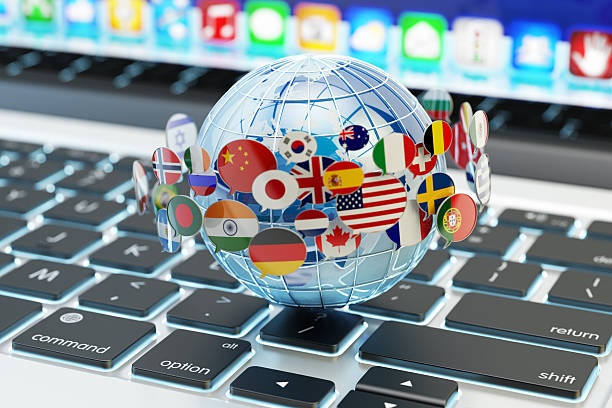
The biggest news of 2025 is Live Translation, private real-time translation straight into your headphones. Launched in November 2025, it completely changes how we communicate in other languages.
When you are talking to someone who speaks another language, Google Translate listens to what they say and whispers the translation into your headphones. You reply in your own language and the app speaks your answer out loud for the other person.
Bluetooth headphones paired with your Android or iOS device and the latest version of Google Translate. The feature uses mobile data or WiFi to process translations in the cloud.
Google has launched a feature that goes head to head with Duolingo: Practice. Announced in August 2025, it lets you learn languages without leaving Google Translate.
Users had been asking for a built-in learning tool for years. Google already had the translation and speech recognition technology; all that was missing was structuring it as a course. The upside: no extra app to install and no extra account to create.
A new button in the Google Translate interface takes you to Practice. It is currently available for the most popular languages and is gradually rolling out to more.
In June 2024, Google announced the biggest language expansion in Translate’s history: 110 new languages in one go, bringing the total to more than 240.
Thanks to the AI model PaLM 2, Google was able to train translations for languages with very little digital material available. Many of these languages do not have enough text online to train traditional models, but PaLM 2 can learn from far more limited data.
This expansion gives more than 614 million people access to translations in their mother tongue for the first time. It is an important step towards global digital inclusion.
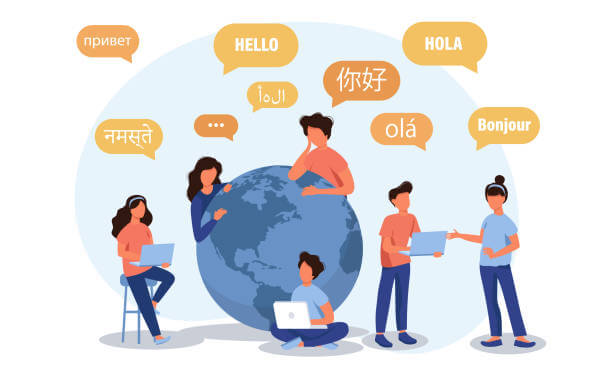
In November 2025, Google introduced two translation modes powered by Gemini, letting you choose between speed and accuracy depending on what you need.
The instant translation we have always had. Ideal for:
More considered translations that take context into account. Ideal for:
Accurate mode uses more of Gemini’s processing power to analyse the full context and tone of the text and produce a more natural translation. It takes a few seconds longer, but the result is noticeably better for complex texts.
Google Translate’s camera translation has had significant improvements that make it far more useful in real situations.
You no longer need to choose the language of the text manually. The camera works out which language it is and translates it instantly.
Perfect for restaurant menus, signs, product instructions, documents and so on. Point the camera and the translation appears on screen without taking a photo.
Gemini, Google’s most advanced AI model, is now built into Translate. It is a step change in translation quality.
Translating idioms or plays on words used to produce literal nonsense. With Gemini, the translator understands that “it’s raining cats and dogs” means heavy rain, not animals falling from the sky.
The generated voices are more natural and expressive. They no longer sound robotic: they have intonation, pauses and a rhythm close to human speech.
Google Translate’s new features show how AI is transforming everyday tools. Live Translation, Practice and the smart translation modes are only the start of a revolution in multilingual communication.
At JRC Web we keep up with the latest technology so we can offer our clients the best digital services. As a digital agency in Barcelona, we help businesses use new technology to improve their online presence.
If your business works with international markets, having a well-translated, optimised website is essential. We can help you with multilingual web design and international SEO strategy.
Have a digital project in mind? Get in touch and we will advise you with no commitment.
Beyond the headline features, Google has improved the day-to-day experience:
You can copy text in any app and translate it without leaving it. A small floating button appears when you copy text, letting you translate instantly.
Google has removed intermediate steps that slowed the process down. For example, in many cases you no longer need to confirm the source language: automatic detection is reliable enough.
The Android and iOS widgets let you translate straight from your home screen without opening the full app.
To make the most of everything new, make sure your setup is right:
Go to the Google Play Store (Android) or App Store (iOS) and check you have the latest version of Google Translate installed.
To translate without a connection:
Look for the new “Practice” button on the app’s main screen. Choose the language you want to learn and start with the personalised exercises.
Google Translate is often compared with other translation tools. How does it stand after the 2025 updates?
Google Translate is still the best option for quick everyday translations, especially with the camera and voice features. For very specific professional texts, DeepL or a human review can complement it.
With Practice, Google is competing directly in the language-learning market Duolingo dominates.
It is too early to say. Google Practice is in its early stages and will probably change a lot. For casual users who just want a little practice it may be enough. For serious, structured learning, Duolingo still has the edge for now.
Click to rate this post!
How useful did you find this content?
Click a star to rate it!
Average rating!0/ 5. Vote count0
No votes yet! Be the first to rate this post.
How much Google Ads costs: what you pay Google, what an agency charges to manage it and what budget you need for it to pay off.
Web design for freelancers in Barcelona: which pages you need, what it costs and how to get a professional, affordable website that wins clients.
What AI search optimisation (GEO) is and how to get ChatGPT, Gemini and Perplexity to recommend your company in Barcelona.