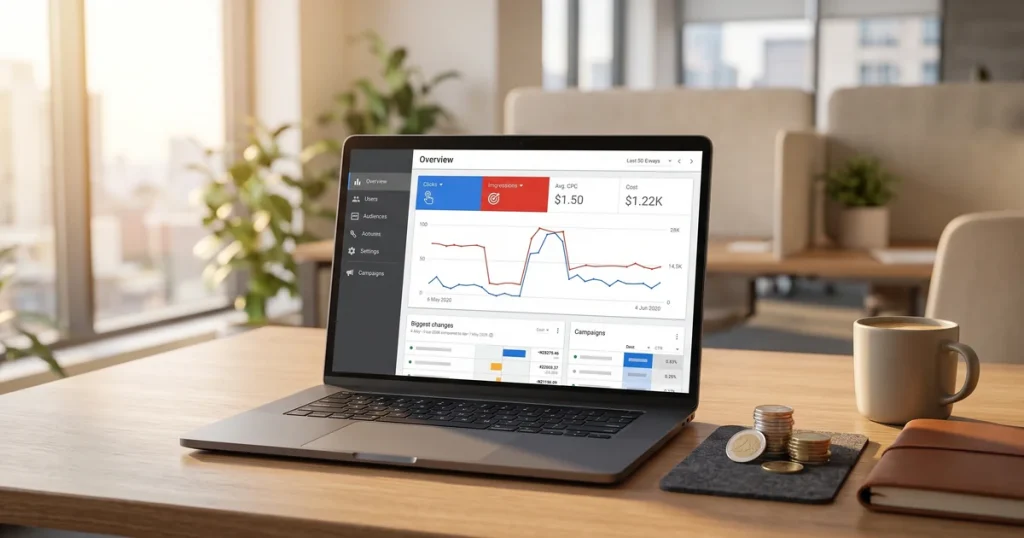
Digital advertising
How much Google Ads costs: spend, management fees and a realistic budget
How much Google Ads costs: what you pay Google, what an agency charges to manage it and what budget you need for it to pay off.


Última revisión: mayo 2026
Want to build a website without knowing how to code? WordPress is the answer used by more than 43% of all websites in the world. From personal blogs to online stores and corporate sites, WordPress lets you build almost any kind of website easily.
In this guide we explain what WordPress is, how it works, the differences between WordPress.org and WordPress.com, and why it is the first choice for beginners and web development professionals alike.
WordPress is an open source content management system (CMS) that lets you build and run websites with no programming knowledge.
Launched in 2003 as a blogging platform, WordPress has grown into the most widely used tool in the world for building every kind of site: blogs, online stores, portfolios, corporate sites, digital newspapers and much more.
WordPress democratised web building. Before it, creating a site meant knowing HTML, CSS and programming. With WordPress, anyone can have a professional site running in hours rather than weeks.
WordPress uses a modular structure that separates content, design and functionality:
This is the base WordPress software. It is updated regularly with security, performance and feature improvements. Core updates are free and worth applying.
They control how your site looks: colours, fonts, layout, header, footer and so on. You can switch themes without losing your content. There are free and premium (paid) themes.
They add extra functionality: contact forms, SEO, security, an online store, bookings, memberships… Without plugins, WordPress is a basic content manager. With them, it can do almost anything.
The control panel where you manage everything: creating pages, writing articles, installing plugins, changing the design, managing users. You reach it at yourdomain.com/wp-admin
All content (text, settings, users) is stored in a MySQL database. Media files (images, PDFs) are kept in folders on the server.
This is the most common confusion for beginners. They are two different things:
The free software you download and install on your own hosting:
A commercial service where WordPress provides the hosting:
WordPress.org if you want full control, a professional website or an online business. WordPress.com if you want a simple personal blog with no technical hassle.

WordPress is extremely versatile. These are the most common types of site:
Where it started, and still excellent at it: articles, categories, tags, comments, RSS.
Company sites with services, team and contact information. Professional and easy to keep updated.
With WooCommerce (a free plugin), WordPress becomes a full online store: product catalogue, basket, payments, order management.
For designers, photographers and artists: work galleries with striking visual layouts.
Major outlets such as TechCrunch, The New Yorker and BBC America run on WordPress.
With the right plugins you can create private areas, subscriptions and training platforms.
Business listings, property portals, job boards.
WordPress has features that set it apart from the alternatives:
An intuitive interface that lets you manage content without technical knowledge. The block editor (Gutenberg) makes building pages visual and simple.
You can start with a simple blog and grow into a complex store without changing platform. WordPress grows with you.
You do not depend on a single company. If WordPress disappeared tomorrow, your site would keep working. And thousands of developers keep improving it.
Whatever problem you hit, someone has hit it before. Documentation, forums, tutorials and specialists are everywhere.
WordPress is well structured for SEO. With plugins such as Yoast SEO or Rank Math, optimising your site for search engines is straightforward.
From a personal blog to sites with millions of visits. With the right hosting, WordPress can handle any level of traffic.
No tool is perfect. These are the limitations worth considering:
It is easier than coding, but WordPress has a lot of options. Learning to use it well takes time, especially the self-hosted version.
WordPress, theme and plugin updates. Backups. Security. If you use WordPress.org, all of that is your responsibility. You can hand it over to a WordPress web maintenance service.
With too many plugins or a heavy theme, WordPress can get slow. It needs optimisation to keep good Core Web Vitals.
Being so popular makes WordPress a frequent target for hackers. You need security measures: up-to-date software, security plugins, strong passwords and backups.
Many features rely on third-party plugins. If a plugin stops being updated or has compatibility problems, it can affect your site.
Themes have limits. For a fully custom design you need CSS knowledge or a professional.
To use WordPress.org you need these pieces:
Your website address (yourcompany.com). It is registered annually with a domain registrar. Cost: €10-15/year for a .com or .es.
The server your site lives on. The main types:
Look for hosting that offers one-click WordPress installation, a free SSL certificate, specialist support, automatic backups and good speed. Popular providers in Spain: Webempresa, Raiola Networks, SiteGround, Hostinger.
Most hosts offer automatic WordPress installation. In five minutes you have a site ready to customise.
WordPress lets you install plugins to add any feature you need. These are the most widely used:
WordPress is not the only option. Let’s compare it with the popular alternatives:
SEO and WordPress are an excellent combination:
Click to rate this post!
How useful did you find this content?
Click a star to rate it!
Average rating!0/ 5. Vote count0
No votes yet! Be the first to rate this post.
How much Google Ads costs: what you pay Google, what an agency charges to manage it and what budget you need for it to pay off.
Web design for freelancers in Barcelona: which pages you need, what it costs and how to get a professional, affordable website that wins clients.
What AI search optimisation (GEO) is and how to get ChatGPT, Gemini and Perplexity to recommend your company in Barcelona.